
Why TiviMate Will Never Come to iOS
Understanding the reason matters because it sets expectations permanently. There are two barriers and neither is going away.
Complete rebuild required
TiviMate is built entirely with Android frameworks. An iOS version is not a port — it would be a brand new application written from scratch in Apple's tools and languages.
Apple's 30% cut and App Store policy
Apple takes roughly 30% of every App Store subscription. TiviMate's ~$9.99/year drops to about $7 after the cut. App Store rules also put IPTV-style players in a grey zone where approval is uncertain. The developer has never indicated iOS plans.
The iPhone and Apple TV Are Different Problems
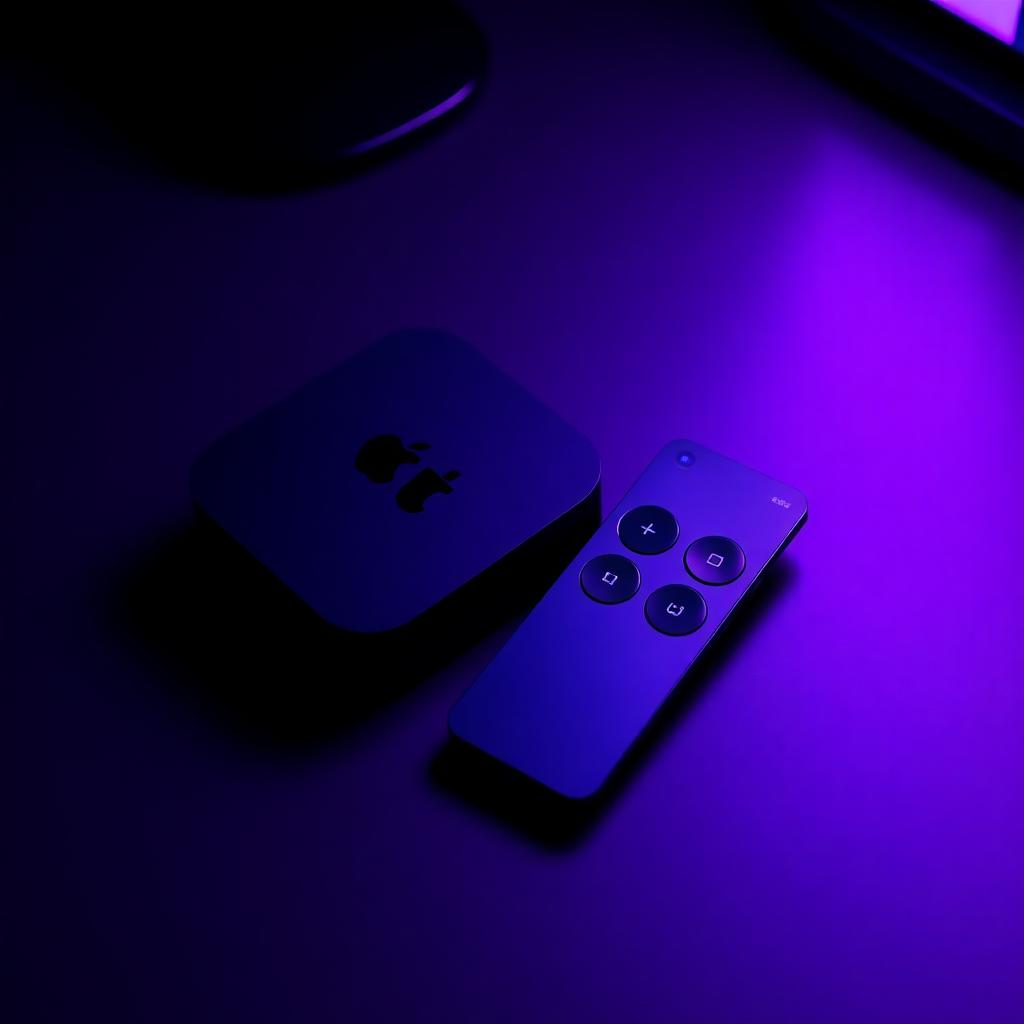
This is the most important thing most guides miss. The right app for your iPhone is not necessarily the right app for your Apple TV. They run completely different operating systems — iOS and tvOS — and the interface requirements are completely different. A phone app navigated by touch does not automatically become a good TV app navigated by a Siri Remote.
iPhone / iPad — iOS
- Touchscreen navigation, portrait and landscape
- Watching on the go, often on cellular
- Fast, reliable playback matters most
- Recommendation: IPTV Smarters Pro — free, touchscreen-native, widest compatibility
Apple TV — tvOS
- Siri Remote navigation in the living room
- App must be built for tvOS, not a phone port
- TV-native interface and EPG matter most
- Recommendation: iPlayTV or IPTVX — purpose-built for tvOS
Best Apps for iPhone and iPad
IPTV Smarters Pro
Pros: Touchscreen interface designed for phones. M3U and Xtream Codes. Full EPG. Live, VOD and catch-up. Multi-screen. Free. Also runs on iPad, Mac and Apple TV.
Cons: No recording. The Apple TV version feels awkward because the UI is built for touch. No iCloud sync. EPG is below TiviMate quality.
Verdict: Best for iPhone and iPad users who want the simplest free setup.
GSE Smart IPTV
Pros: M3U, Xtream Codes and XSPF support. Better automatic EPG matching. Chromecast. Cloud sync. External player support. Long App Store history.
Cons: Interface feels dated. No native Apple TV app (AirPlay only). No recording. Less polished than IPTV Smarters.
Verdict: Best for users who want better EPG auto-matching or Chromecast. Not a genuine Apple TV app.
Best Apps for Apple TV — The Honest Picture
This is where most guides go wrong. They list apps for "iOS and Apple TV" as if they are the same thing. They are not. The Apple TV runs tvOS — a completely separate operating system from iOS. An iPhone app cannot run on Apple TV unless the developer specifically built a tvOS version. Many popular iOS IPTV apps have no Apple TV version at all.
iPlayTV
Purpose-built for Apple TV with a Siri Remote-first interface. iCloud sync with iPhone and iPad. Handles large TV guides smoothly.
Verdict: Best for Apple TV 4K users who want a premium TV-native interface — but only if your provider gives you an M3U URL.
IPTVX
Native tvOS app built around the Siri Remote. Supports both M3U and Xtream Codes. Also available on iPhone and iPad.
Verdict: Best for Apple TV users whose provider only issues Xtream Codes credentials.
IPTV Smarters
Available on Apple TV but the interface is built for touchscreens. Navigation with the Siri Remote is awkward. Functional but not designed for TV.
Verdict: Fine for occasional use if you already use it on iPhone. Not recommended as your primary Apple TV app.
GSE Smart IPTV
No native tvOS app on the App Store. The only way onto Apple TV is AirPlay from an iPhone.
Verdict: Frequently listed as an Apple TV option in other guides — this is misleading. Use iPlayTV or IPTVX for genuine Apple TV IPTV.
The iCloud Sync Advantage — What Apple Gets Right
This is something TiviMate cannot match on any platform. When you use iPlayTV on both your iPhone and Apple TV, your playlists, favourites and EPG configuration sync automatically through iCloud. Set up your channels on your iPhone during your commute and they are waiting on your Apple TV when you get home. No re-entering credentials, no reconfiguring groups, no starting over.
TiviMate stores everything locally on each device. Switch to a new Firestick and you are starting from scratch unless you have TiviMate Premium with the Backup and Restore feature. The Apple ecosystem approach to sync is genuinely better for multi-device households — and it is one area where the iOS alternatives to TiviMate have a real advantage. For a wider comparison see our TiviMate Alternatives guide.
How to Add Your IPTV Playlist on iPhone
The process is the same across all three major iOS IPTV apps. Here is the universal setup.
- Download the app from the App Store On iPhone or iPad, search the App Store for IPTV Smarters Pro, GSE Smart IPTV or IPTVX. On Apple TV, search the tvOS App Store — iPlayTV, IPTVX and IPTV Smarters all live there.
-
Have your credentials ready
You need either an M3U URL or Xtream Codes (server URL, username, password) from your IPTV provider's welcome email.
⚠ iPlayTV needs M3U specificallyIf you only have Xtream Codes and want to use iPlayTV, contact your provider and ask for the matching M3U URL.
- Add the playlist In the app, look for Add Playlist, Add User or Add Source. You will be asked to fill in:
- Wait for channels to load Most playlists load in 10–60 seconds. Very large playlists (20,000+ channels) can take up to 2 minutes on the first import.
-
Add an EPG source
Xtream Codes loads EPG automatically. M3U installs need a separate XMLTV URL — get it from your provider.
✓ Ready to watchOnce channels load and the EPG appears, you are done. Set favourites and go.
The Mixed Household — TiviMate on Firestick and iPhone
Many users have both an Android-based device for their TV — Firestick or Android TV box — and an iPhone or iPad for mobile viewing. TiviMate on the Firestick and a separate iOS app on the iPhone is a completely valid setup, and many thousands of IPTV users run exactly this combination.
The limitation is that your TiviMate favourites, channel groups and settings on the Firestick will not sync to your iPhone app. They are completely separate. Your IPTV provider credentials are the same on both — add the same M3U URL or Xtream Codes login to both apps — but your configuration and favourites need to be set up independently on each.
This is the single area where a cross-platform IPTV app with cloud sync has a genuine advantage over TiviMate. If sync across all your devices from one app matters more than having the best possible EPG on your TV, apps like IPTV Smarters Pro that cover both platforms are the more practical choice.
Quick Summary — Right App for Each Situation
| Situation | Best app | Why |
|---|---|---|
| iPhone only, free, simplest setup | IPTV Smarters Pro | Touchscreen-native, free, M3U + Xtream Codes |
| iPhone + need Chromecast or better EPG matching | GSE Smart IPTV | Auto EPG matching, Chromecast support |
| Apple TV 4K, provider gives M3U URL | iPlayTV | Native tvOS, Siri Remote-first, iCloud sync |
| Apple TV, provider only gives Xtream Codes | IPTVX | Native tvOS app with full Xtream Codes support |
| Want playlists to sync iPhone ↔ Apple TV | iPlayTV (on both) | iCloud sync of playlists, favourites and EPG config |
| Already use IPTV Smarters on iPhone, want it on Apple TV | IPTV Smarters on tvOS | Same app — accept the awkward Siri Remote UI |
| Apple TV + best possible EPG in living room | Fire Stick + TiviMate | tvOS apps still trail TiviMate on EPG quality |
| Mixed household — Firestick TV, iPhone mobile | TiviMate + IPTV Smarters | Same provider credentials, independent setups |
Pick the IPTV setup that fits your devices
For TiviMate on the device where it excels see our TiviMate setup guide. For a full comparison across every platform see our TiviMate Alternatives guide. For the best IPTV services that work across all Apple devices see our best IPTV services guide.
Browse top IPTV services