
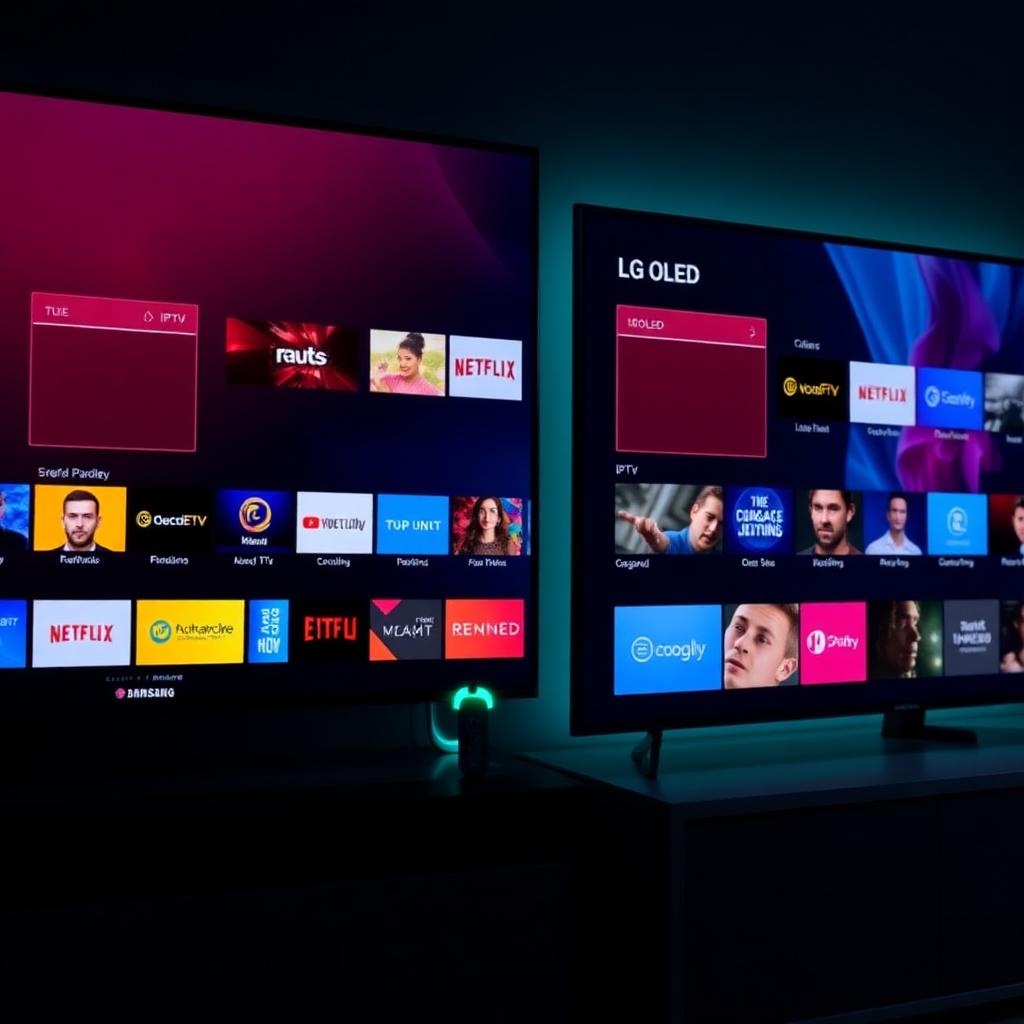
Why TiviMate Will Never Run on Tizen or webOS
Samsung Smart TVs run Tizen OS. LG Smart TVs run webOS. TiviMate is built for Android TV. These are three completely different operating systems with different programming languages, different APIs and different app frameworks. Porting TiviMate to Tizen or webOS would require rebuilding the entire app from scratch — and the TiviMate team has stated repeatedly they have no plans to do that.
Any website telling you there is a TiviMate APK that works on Samsung or LG is either confused or distributing malware. Stop looking for a TiviMate Samsung download — it does not exist. The good news: there is one excellent workaround and several solid native alternatives.
Section 1 — The HDMI Workaround (Recommended)
The cleanest way to run TiviMate on a Samsung or LG Smart TV is to plug a Fire TV Stick into a free HDMI port. The Fire Stick runs a forked Android TV OS, so TiviMate installs and runs natively. Your Samsung or LG simply acts as a display.
Full native TiviMate
Identical experience to any other Fire Stick install. Full EPG, recording, Xtream Codes — everything works exactly as TiviMate was designed.
Around 40 USD one-time
Fire TV Stick 4K is the sweet spot. No subscriptions, no recurring cost. Cheaper than upgrading your TV or buying any IPTV box.
Under 15 minutes
Plug in, switch HDMI input, sign in to Amazon, install TiviMate from the Appstore, add your playlist. Done.
Fire Stick on Samsung or LG — Step by Step
- Plug the Fire TV Stick into an HDMI port Use any free HDMI port on your Samsung or LG. Connect the USB power cable to a wall outlet — powering it from the TV's USB port often does not deliver enough current.
- Switch the TV to that HDMI input Press Source (Samsung) or Input (LG) on the TV remote and select the HDMI number the Fire Stick is plugged into.
- Enable HDMI-CEC so one remote controls both On Samsung enable AnyNet+. On LG enable SIMPLINK. This lets the Fire Stick remote also turn the TV on/off and switch input automatically.
-
Install TiviMate from the Amazon Appstore
From the Fire Stick home screen, search
TiviMate IPTV Playerand install. No sideloading needed — TiviMate is in the official Amazon Appstore. -
Add your playlist
Launch TiviMate, choose Add playlist and paste your M3U URL or enter your Xtream Codes (server, username, password) from your provider.
✓ DoneTiviMate is now running on your Samsung or LG TV. For the full Fire Stick setup with VPN, EPG and Premium activation see our TiviMate on Firestick guide.
Section 2 — Native IPTV Apps for Samsung and LG
If you do not want extra hardware on your TV, the next best option is a native app written for your TV's operating system. None of these are TiviMate — but several get close on the features that matter most.
Samsung (Tizen) — Best Native Apps
IboPlayer
Stable Tizen app with a clean EPG grid, M3U and Xtream Codes support, multi-playlist switching. Small one-time activation fee per device.
Smarters Player Lite
Tizen build of the Smarters family. Same layout as IPTV Smarters on phone and Fire Stick, so navigation feels familiar. Free.
Smart IPTV
One of the oldest Tizen IPTV apps. Reliable but the interface is dated. Activation fee after a 7-day trial.
Flix IPTV
Lightweight Tizen app, similar pricing model to Smart IPTV. Good fallback if the others have issues with your provider.
LG (webOS) — Best Native Apps
SS IPTV is the most established free option on webOS — clean interface, free, supports M3U via a code-based playlist upload from your computer. Smarters Player Lite and IboPlayer also ship webOS builds in the LG Content Store. The selection on webOS is thinner than Tizen, but the basics all work.
Section 3 — Platform Comparison
Where each option lands on the features that actually matter.
| Tizen (Samsung) | webOS (LG) | Android TV / Fire OS | Samsung + Fire Stick | |
|---|---|---|---|---|
| Runs TiviMate | No | No | Yes — native | Yes — via HDMI |
| Best native IPTV app | IboPlayer | SS IPTV | TiviMate | TiviMate |
| EPG quality | Good | Basic | Excellent | Excellent |
| Xtream Codes | Yes (most apps) | Partial | Yes | Yes |
| Recording | No | No | Yes (Premium) | Yes (Premium) |
| Extra hardware | None | None | Built-in | Fire Stick (~40 USD) |
| Sideloading safe? | No — never | No — never | Official stores only | Amazon Appstore |
Section 4 — Do Not Sideload IPTV Apps onto Tizen or webOS
Search results are full of guides claiming you can sideload a TiviMate APK or an unofficial IPTV app onto your Samsung or LG TV by enabling developer mode. Do not do this in 2026.
The native apps listed above cover every legitimate need. If a native app does not meet your needs, use a Fire TV Stick — never sideload onto your Smart TV.
Section 5 — Samsung Cache Maintenance
IPTV apps on Tizen accumulate EPG cache and slow down over time. Clear the cache weekly to keep playback snappy and prevent the app from stalling on launch.
Quick Reference — Pick by Situation
| Situation | Best option |
|---|---|
| Want TiviMate specifically on Samsung or LG | Fire TV Stick via HDMI |
| Samsung — no extra hardware, most reliable | IboPlayer |
| Samsung — free option | Smarters Player Lite |
| LG — free option | SS IPTV |
| LG — Smarters-style interface | Smarters Player Lite (webOS) |
| Saw a "TiviMate APK for Samsung" online | Ignore it — do not sideload |
| App slow or stalling on launch | Clear cache via Device Care |
| Need recording or premium EPG | Fire TV Stick + TiviMate Premium |
Get the most out of TiviMate on your Smart TV
Once your Fire Stick is plugged in, see our full TiviMate setup guide for VPN setup, EPG configuration and Premium activation. For a Samsung-specific native app deep dive see our IPTV on Firestick via HDMI. For the full landscape of IPTV players across every device see our best IPTV players guide. For the best IPTV services that work with all of them see our best IPTV services guide.
Browse top IPTV services