
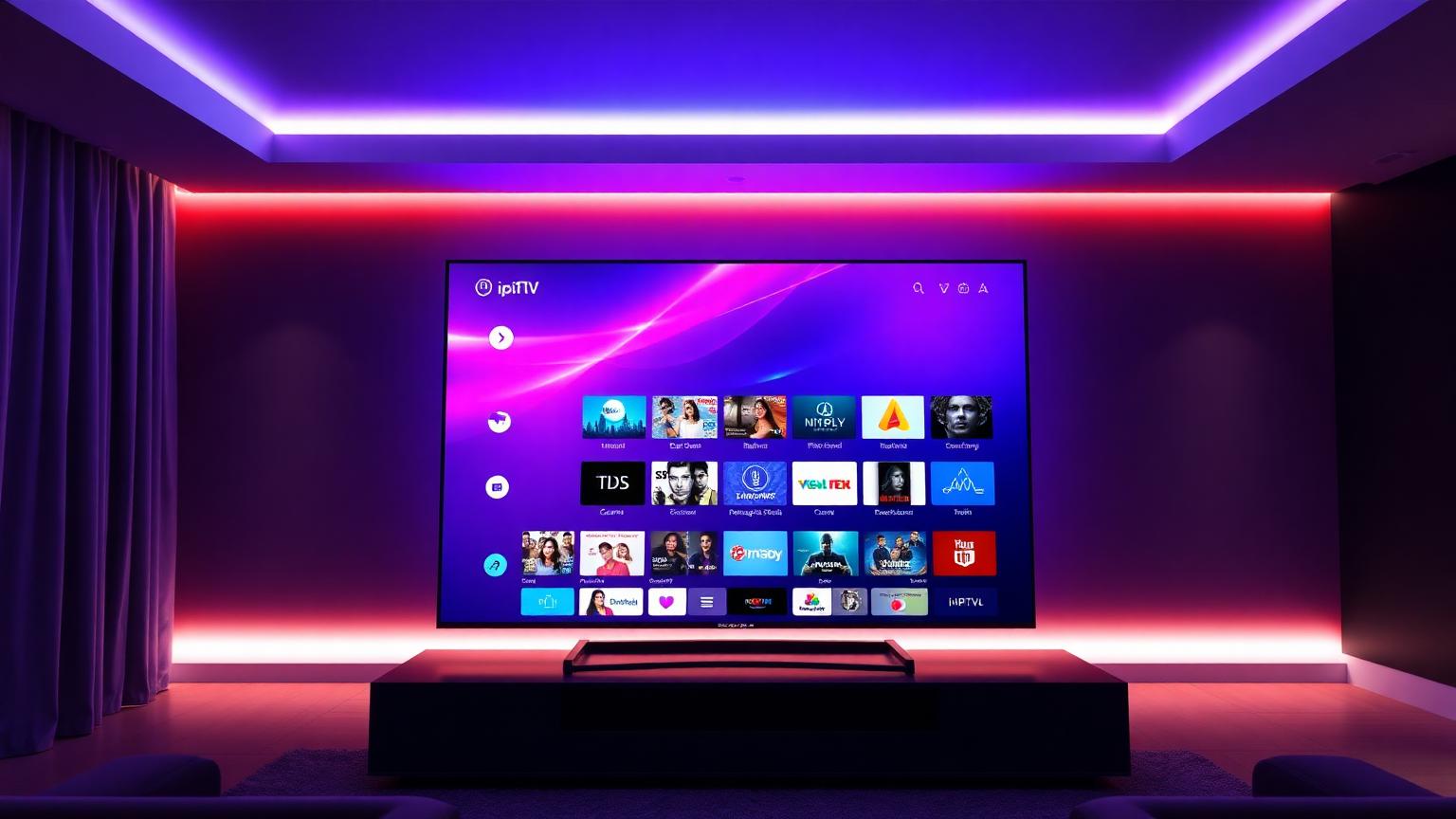
If you have heard the term but are not sure exactly what it means, how it works, or whether it is right for you, this guide covers everything in plain English without the technical jargon.
What Is IPTV?
IPTV stands for Internet Protocol Television. It is a way of delivering television content over the internet rather than through traditional cable wires or satellite signals.
Instead of receiving TV channels through a coaxial cable plugged into your wall or a dish on your roof, IPTV sends the same channels directly to any device connected to your internet — your TV, phone, tablet, laptop, or streaming box.
The Internet Protocol part simply refers to the same technology that delivers every website, video, and message you send online. IPTV just applies that same system to live television and on-demand content.
How Does IPTV Work?
Traditional cable and satellite TV work by broadcasting signals continuously — every channel is always transmitting whether anyone is watching or not. Your cable box simply tunes into whichever frequency carries the channel you want.
IPTV works differently. Instead of broadcasting everything at once, it only sends the stream you are actively requesting. Here is the basic process:
Step 1 — You Request a Channel
You open your IPTV app and select a channel. That selection sends a request through your internet connection to your IPTV provider's servers.
Step 2 — The Server Sends Your Stream
Your provider's server locates that channel's live stream and begins sending it directly to your device as a continuous data stream — similar to how Netflix sends you a video, but live.
Step 3 — Your App Decodes and Displays It
Your IPTV player app — such as IPTV Smarters Pro or TiviMate — receives the data stream, decodes it, and displays it on your screen in real time.
The whole process happens in 1 to 3 seconds — fast enough that it feels just like flipping channels on traditional TV.
What Are the Different Types of IPTV?
Not all IPTV services work the same way. There are three main formats you will encounter:
Live IPTV
This is the most common type — real-time streaming of live TV channels, exactly like cable or satellite but delivered over the internet. Sports events, news, entertainment channels, local broadcasts — all streamed live as they happen.
Video on Demand
Many IPTV services include a VOD library alongside live channels. This works similarly to Netflix — a catalog of movies and TV series you can watch whenever you want, not on a fixed schedule.
Time-Shifted TV
Some IPTV providers offer catch-up functionality, which lets you watch content that already aired — typically up to 7 days back. Missed a game or a news broadcast? Catch-up lets you rewind the schedule and watch it as if it were on demand.
What Do You Need to Use IPTV?
Getting started with IPTV requires just three things:
A Reliable Internet Connection
IPTV is entirely dependent on your internet speed. As a general guide:
| Stream quality | Minimum speed required |
|---|---|
| SD (Standard Definition) | 5 Mbps |
| HD (720p and 1080p) | 10 to 15 Mbps |
| 4K Ultra HD | 25 to 50 Mbps |
A wired ethernet connection is always more stable than Wi-Fi for IPTV. If Wi-Fi is your only option, make sure your router is close to your streaming device.
An IPTV Subscription
You need an active subscription from an IPTV provider. This gives you access to their server and channel list, usually delivered as an M3U playlist URL or Xtream Codes login details.
Choosing a reliable provider is the most important decision you will make. An unreliable service means buffering, freezing, and channels that simply do not work. Our independently tested guide to the best IPTV services in 2026 covers the providers worth considering — tested over several weeks for uptime, stream quality, and channel count.
An IPTV Player App
You need software to read your subscription and display the streams. Popular options include IPTV Smarters Pro, TiviMate, and Smart IPTV depending on your device. We cover these in detail in our best IPTV players guide.
What Devices Can You Watch IPTV On?
One of IPTV's biggest advantages over cable and satellite is device flexibility. You can watch on virtually anything with an internet connection:
- Amazon Firestick and Fire TV — the most popular IPTV device thanks to easy sideloading of apps
- Android TV boxes — dedicated streaming hardware running Android TV
- Samsung and LG Smart TVs — directly through Smart TV app stores
- Android phones and tablets — through apps like IPTV Smarters Pro
- iPhone and iPad — through iOS-compatible players like IPTV Extreme
- Windows and Mac computers — through VLC or browser-based players
- Apple TV — through compatible apps from the App Store
Unlike cable where you need a set-top box for each TV, a single IPTV subscription typically covers 1 to 2 simultaneous connections — meaning you can watch on multiple devices with one account.
How Much Does IPTV Cost?
This is where IPTV becomes very attractive compared to traditional TV. A typical IPTV subscription costs between $10 and $20 per month, often including:
- 10,000 to 50,000 and more live channels
- Movies and TV series on demand
- Channels from multiple countries
- Sports packages including premium sports channels
- 4K streams where available
Compare that to a cable package delivering 200 channels for $80 to $120 per month and the cost difference is significant. For a full breakdown of what you get at every price point see our IPTV subscription cost guide.
Is IPTV Legal?
This is one of the most common questions about IPTV and the answer depends entirely on the service you use.
IPTV as a technology is completely legal. The same internet protocol that delivers IPTV is what powers YouTube, Netflix, and every other streaming platform.
The legality question is about the content, not the technology. There are two categories of IPTV services — licensed services that have paid for broadcast rights, and unlicensed services that stream without holding the rights to distribute that content.
For the full breakdown of what is legal, what is not, and what the real risk is for viewers in 2026, see our dedicated is IPTV legal guide.
IPTV vs Cable vs Satellite — A Quick Comparison
| Feature | IPTV | Cable | Satellite |
|---|---|---|---|
| Monthly cost | $10 to $20 | $80 to $120 | $60 to $100 |
| Channel count | 10,000 to 50,000+ | 100 to 500 | 150 to 350 |
| Contract required | No | Usually yes | Usually yes |
| 4K content | Yes (provider dependent) | Limited | Limited |
| International channels | Extensive | Very limited | Limited |
| Works without dish or cable | Yes | No | No |
| Device flexibility | High | Low | Low |
| Dependent on weather | No | No | Yes |
The only area where cable and satellite have a genuine advantage is reliability — they do not depend on your internet connection quality. A poor internet connection will hurt your IPTV experience in a way that does not affect cable or satellite.
Common IPTV Questions Answered
Does IPTV work without Wi-Fi?
IPTV requires an internet connection — either Wi-Fi or wired ethernet. It does not work without internet access. Some apps allow you to download VOD content for offline viewing, but live channels always require an active connection.
Can I use IPTV on multiple TVs?
Yes — most subscriptions include 1 to 2 simultaneous connections. If you need more screens, many providers offer multi-connection plans for a small additional fee.
Do I need a VPN for IPTV?
A VPN is not required for IPTV to work. However many users choose to use a VPN for added privacy. For a full breakdown of whether you need one and which ones work best see our best VPN for IPTV guide.
Will IPTV work with a slow internet connection?
IPTV is sensitive to internet speed and stability. On connections below 10 Mbps or on unstable Wi-Fi you may experience buffering on HD channels. SD streams work on slower connections but quality will be noticeably lower.
What is the best device for IPTV?
The Amazon Firestick 4K Max is the best value device for most IPTV users — affordable, supports all major IPTV player apps, and handles 4K streams reliably. For a full comparison of every device option see our best IPTV box guide.
What happens if my IPTV provider goes down?
Unlike cable or satellite, IPTV providers can experience server outages that affect all customers simultaneously. This is why choosing a provider with strong uptime history matters. Our best IPTV services guide only recommends providers we have tested for consistent reliability.
Final Thoughts
IPTV is the most significant shift in how people watch television since the introduction of cable. More channels, lower cost, complete device flexibility, and no long-term contracts — the advantages over traditional TV are substantial.
The technology itself is straightforward. What matters is choosing the right provider and the right player app for your setup. A good provider with a poor app, or a great app paired with an unreliable service, will both lead to a frustrating experience.
For provider recommendations based on weeks of real-world testing visit our guide to the best IPTV services in 2026. For help choosing the right player app for your device see our best IPTV players guide.
Ready to try IPTV?
See our top-ranked IPTV services for 2026 — tested for stream quality, reliability, and long-term stability.
See the Best IPTV Services →