
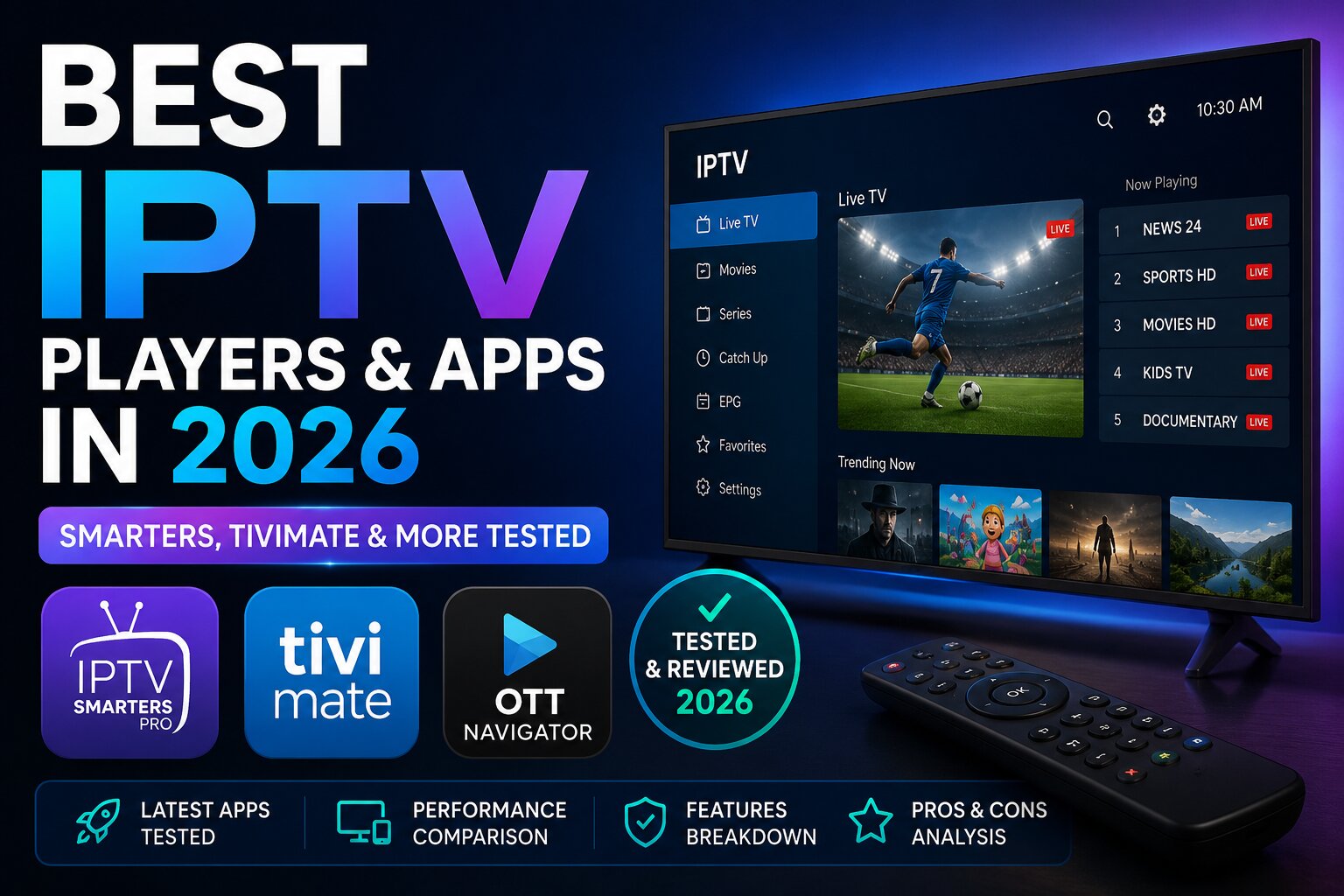
What Is an IPTV Player?
An IPTV player (also called an IPTV app or IPTV client) is the software that reads your subscription's stream and displays it on your screen. Your IPTV provider gives you either an M3U playlist URL or Xtream Codes login — the player takes those credentials and turns them into watchable TV.
Think of it like this: your IPTV service is the water supply, and the player is the tap. A bad tap ruins the experience regardless of how clean the water is.
Most IPTV services don't come with their own dedicated app — they expect you to bring your own player. That's why choosing the right one is so important. You can check our top IPTV services list for providers that work great with all the apps below.
The 7 Best IPTV Players in 2026
1. IPTV Smarters Pro Best Overall
IPTV Smarters Pro is the most widely used IPTV player in the world, and for good reason. It supports both M3U and Xtream Codes connections, has a clean interface, and works across more devices than any other app on this list.
What makes it stand out:
- Supports M3U URL, M3U file upload, and Xtream Codes login
- Built-in EPG with 7-day schedule
- Multi-screen support — watch up to 4 streams simultaneously
- External player support (MX Player, VLC) for stubborn streams
- Parental controls with PIN lock
If you're looking for a provider to pair with Smarters Pro, our list of the best IPTV services in 2026 covers the top options we've tested — all fully compatible.
2. TiviMate Best for Android & Firestick
TiviMate is the gold standard for Android-based IPTV watching. It has the slickest interface of any app on this list, the fastest channel-switching speed we recorded, and an EPG implementation that rivals traditional cable TV guides.
What makes it stand out:
- Channel switching speed: 0.9 seconds average — fastest we tested
- Fully customizable interface with multiple layout options
- Catch-up TV support when provider supports it
- Automatic playlist refresh — your channel list updates without manual intervention
- Recording support — record streams directly to local storage or USB
3. IPTV Smarters (Free Version) Best Free Player
If you're not ready to spend anything on a player, the standard IPTV Smarters app gives you most of the core functionality at no cost. It supports M3U and Xtream Codes, has basic EPG support, and works on all the major platforms.
What it includes for free:
- M3U and Xtream Codes connection
- Basic EPG support
- Multi-profile support up to 5 profiles
- External player integration
What's missing vs Pro:
- Ads throughout the interface
- No multi-screen support
- No advanced EPG features
- No parental controls
Best for: Users who want to test an IPTV subscription before committing to a paid player setup.
4. Smart IPTV Best for Samsung & LG Smart TVs
If you have a Samsung or LG Smart TV and want to watch IPTV directly without any extra hardware, Smart IPTV is the go-to solution. It's one of the few players available natively on Smart TV app stores.
What makes it stand out:
- Native Samsung Tizen and LG webOS app
- Simple setup — paste your M3U URL and you're watching within minutes
- Clean, TV-optimized interface designed for remote control navigation
- EPG support with automatic updating
5. IPTV Extreme Best for iOS
iOS users have fewer IPTV player options than Android users, but IPTV Extreme fills the gap well. It's stable, supports all major connection formats, and has a clean interface that works naturally with iPhone and iPad.
What makes it stand out:
- M3U and Xtream Codes support
- Built-in web browser for managing your subscription
- Chromecast support — stream from your iPhone to any TV
- Picture-in-picture mode on iPad
- Background audio playback for radio streams
6. MX Player Best External Player
MX Player isn't an IPTV app in the traditional sense — it's a media player that many IPTV apps use as an external player for streams that won't play natively. Pairing MX Player with Smarters Pro or TiviMate can solve a large number of playback issues.
When to use MX Player:
- Your main IPTV player shows a black screen on certain channels
- Streams buffer constantly in your main player but work fine elsewhere
- You're watching 4K content and need hardware decoding support
7. VLC Media Player Best for PC & Mac
For desktop users, VLC remains one of the simplest ways to watch IPTV. Open your M3U playlist URL through Media > Open Network Stream and you're watching within seconds.
What makes it stand out:
- Completely free and open-source
- Handles almost any stream format without additional codecs
- Available on Windows, macOS, Linux, Android, and iOS
- No account required — just open and play
How to Fix IPTV Smarters "Failed to Authorize" Error
The most common error Smarters users encounter is the "failed to authorize" message when adding their subscription. Here is how to fix it step by step.
Step 1: Check Your Login Credentials
The most common cause is a typo in the username, password, or server URL. Copy-paste directly from your provider's welcome email rather than typing manually.
Step 2: Verify Your Server URL Format
The URL must include the full address including http:// or https:// and the correct port number. Example: http://yourprovider.com:8080 — missing the port is a frequent mistake.
Step 3: Check Your Subscription Status
Log in to your provider's panel or contact support to confirm your subscription is active. Expired or unactivated subscriptions return this exact error.
Step 4: Check the Connection Limit
Most IPTV providers allow only 1 or 2 simultaneous connections. If you're already watching on another device, the authorization will fail on the second device.
Step 5: Try Adding as M3U Instead of Xtream Codes
If Xtream Codes login keeps failing, ask your provider for the M3U URL alternative — both connect to the same streams but through a different authentication method.
Step 6: Reinstall the App
If none of the above work, uninstall Smarters Pro completely, restart your device, then reinstall fresh from the app store.
If your provider keeps throwing authorization errors despite trying all six steps, the problem is the service itself. Our guide to the best IPTV services tested in 2026 highlights providers with the strongest infrastructure and least downtime.
How to Choose the Right IPTV Player
With seven solid options, here is a simple decision framework:
| Your situation | Best player |
|---|---|
| Android or Firestick — want the best experience | TiviMate |
| Any device — want maximum compatibility | IPTV Smarters Pro |
| Samsung or LG Smart TV | Smart IPTV |
| iPhone or iPad | IPTV Extreme |
| PC or Mac | VLC |
| Testing a new subscription for free | IPTV Smarters free version |
| Fixing playback issues on another app | MX Player |
Does the Player Affect Stream Quality?
The short answer is no — stream quality is determined by your IPTV provider and your internet connection, not the player. A 4K stream is a 4K stream regardless of whether you watch it in TiviMate or Smarters.
What the player does affect:
Buffering Behavior
Some players handle network fluctuations better than others through smarter buffering algorithms. TiviMate and Smarters Pro both let you adjust buffer size manually — useful if you're on a connection with occasional dips.
Hardware Decoding
Better players use your device's GPU for decoding, which means smoother playback, better handling of 4K streams, and lower battery drain on mobile devices.
Zapping Speed
The time between pressing a channel and seeing it appear varies significantly between apps. TiviMate leads at 0.9 seconds average. VLC on desktop is the slowest at around 3–4 seconds.
For the smoothest overall experience, pair a high-quality player with a high-quality provider. You can find our full breakdown of the most reliable services on our best IPTV services page.
Final Verdict
TiviMate is the best IPTV player in 2026 for Android and Firestick users — nothing else comes close for speed, polish, and features.
IPTV Smarters Pro is the best all-rounder if you need cross-platform support or your provider requires Xtream Codes login.
Smart IPTV is the only sensible native choice for Samsung and LG Smart TV owners.
All Provider Reviews
Every individual IPTV provider review on Top IPTV Services — append new reviews to this list as they are published.
Pair your player with a tested IPTV service
A great player only goes as far as the provider behind it. See our top-ranked IPTV services for 2026 — all compatible with every app on this list.
See the Best IPTV Services →