
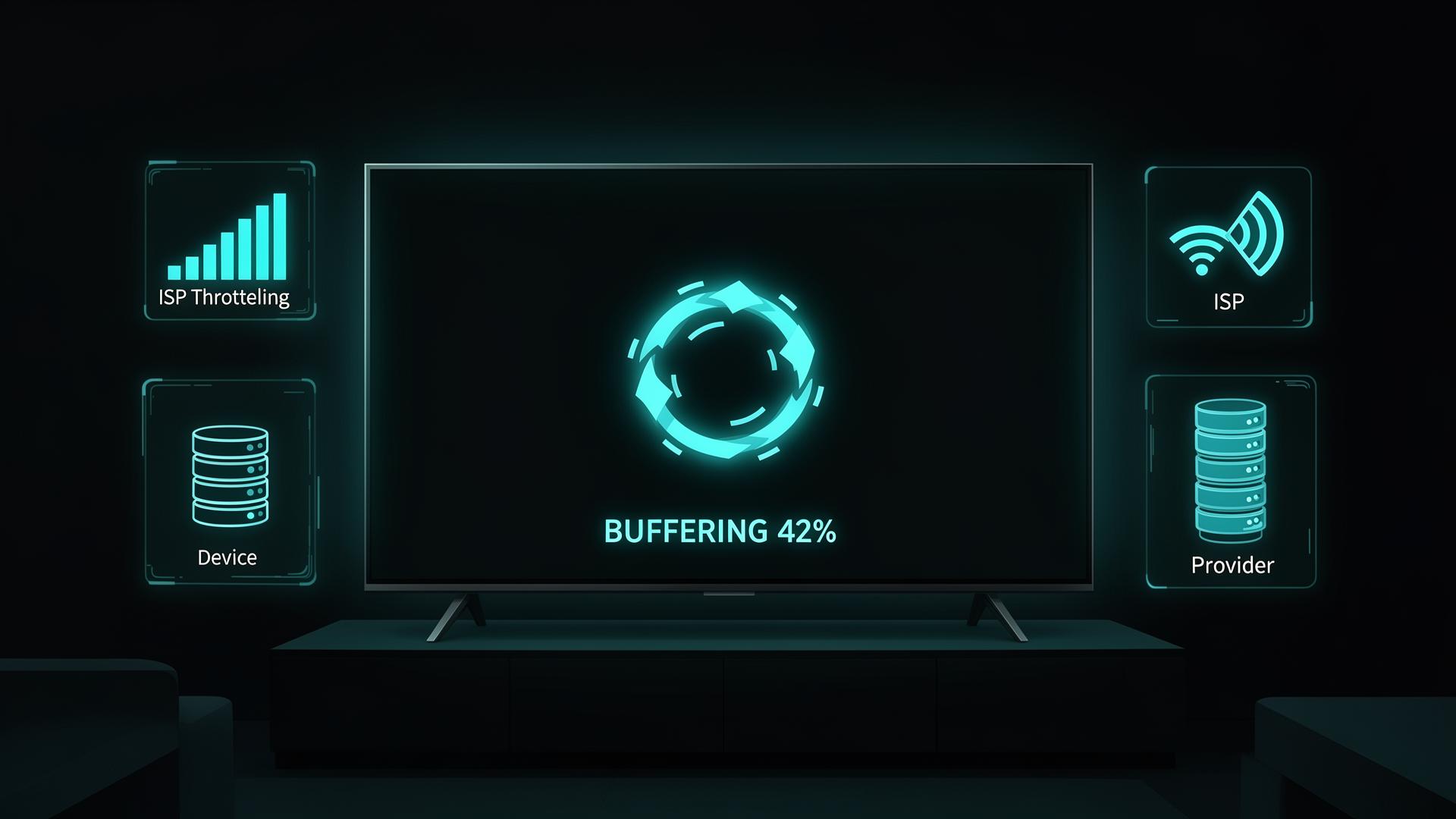
Every IPTV buffering problem comes from one of three places. We call them buckets. The fixes for each are completely different — changing your TiviMate buffer size will not help if your ISP is throttling, and a VPN will not help if your Firestick has 200 MB of storage left. This guide identifies your bucket first, then gives you the exact fix.
Your Setup
Device storage, WiFi instability, player app settings, cache corruption.
Your ISP
Throttling, peak-hour congestion, packet loss on your line.
Your Provider
Oversold servers, poor CDN infrastructure, bad stream encoding.
Step 1 — Identify Your Bucket in 5 Minutes
Before touching any settings, answer these questions. Each answer points to one bucket.
Bucket 1 — Your Setup: Every Fix
Fix 1 — Check Firestick storage first
The most underestimated cause of buffering. When your Firestick drops below 500 MB free, the entire OS lags and TiviMate can't reserve the RAM it needs to buffer streams.
Reach 1 GB+ free in 5 steps
- Read the Internal Storage figure. Below 1 GB free → fix this before anything else.
- Clear TiviMate cache only. Settings → Applications → TiviMate → Clear Cache. Do not Clear Data — that wipes your playlists.
- Hold Select + Play for 5 sec to fully restart the Firestick.
- Uninstall unused sideloaded apps — Kodi, Downloader and other APKs you don't actively use.
- Disable auto-updates on apps you don't open weekly to stop them refilling storage.
Fix 2 — TiviMate decoder settings
TiviMate has two decoding modes: hardware and software. Wrong choice for your device and stream causes freezing that looks exactly like a network problem.
Which to use, when
- Try Hardware first. Uses the Firestick GPU — fastest on modern devices for H.264 streams.
- Frequent freezing on 4K? Switch to Software. Some older Firesticks can't hardware-decode H.265/HEVC silently fail.
- Software fixes 4K but stutters HD? Device limit — a Firestick 4K Max is required for hardware-decoded 4K IPTV.
Fix 3 — The buffer size setting most people get wrong
Everyone assumes a larger buffer size is better. On Firestick it isn't. A large buffer means TiviMate is constantly competing for RAM with other processes — and frequently losing.
Tune your buffer in 10 minutes
- Start at Small. Test 10 minutes across normal and sports channels.
- Freezes only in first 2–3 sec? Move up to Medium.
- Freezes randomly mid-stream? Try None — relies on continuous streaming, often more stable on fast lines.
- Large is only for 3 GB+ RAM devices like Nvidia Shield, never standard Firestick.
Fix 4 — The EPG refresh freeze nobody talks about
Brief 2–3 second freezes at irregular intervals — not constant buffering, but predictable pauses then resumption? It's the EPG refresh creating a CPU and network spike every time it runs.
Disable EPG-on-launch
- Uncheck "Update on App Start".
- Set scheduled update to Every 24 hours.
- Brief mid-stream freezes disappear for most users. One of the least-discussed fixes in IPTV communities.
Fix 5 — Xtream Codes vs M3U: use the right format
If your provider offers both, use Xtream Codes. M3U downloads a full multi-MB playlist on every refresh and creates bandwidth + CPU spikes that interrupt active streams.
Fetches only what's needed
No periodic spikes
Stable on large playlists
3–5 MB for 25k channels
CPU spike on each refresh
Can interrupt live streams
Fix 6 — Increase connection timeout for big events
The default TiviMate timeout is 10 seconds. Under heavy load (Champions League knockouts, Premier League title race) channels can take 12–20 seconds to negotiate — and TiviMate gives up.
This doesn't slow normal channel switching — fast channels still load in 2 seconds. It just stops TiviMate from giving up on channels that need slightly longer under load.
Fix 7 — WiFi vs Ethernet
IPTV is unusually sensitive to packet loss. A 99% WiFi delivery rate sounds excellent — but it means 1 in every 100 packets dropped, which translates directly to visible freezes. Ethernet on the same router typically delivers 100%.
- Get a Fire TV Ethernet adapter (~£15 / $15). Plug into the router directly, not a switch or extender.
- No cable option? Switch from 2.4 GHz to 5 GHz WiFi — less interference, more bandwidth.
- Keep the Firestick away from microwaves and baby monitors — both blast 2.4 GHz and show up as IPTV buffering.
Bucket 2 — Your ISP: The Throttling Fix
The 5-minute throttling test
ISPs in the UK, US and most of Europe are permitted to throttle specific traffic types. IPTV is a common target. Your speed test still reads 100 Mbps+ because speed tests use different infrastructure than IPTV.
Confirm in 5 minutes
- Note your current buffering pattern — which channels, what time, how often.
- Install a VPN on your streaming device.
- Connect to a server in your own country.
- Test the same channels for 10 minutes.
- Buffering gone or much reduced? Your ISP is throttling IPTV. Keep the VPN running as your permanent fix.
VPN settings that actually work for IPTV
Using a VPN with the wrong settings can make buffering worse. These are the settings that matter.
- Pick the nearest server in your country. UK→UK adds ~5 ms; UK→US adds 80–100 ms — that latency matters for live IPTV.
- Enable split tunnelling if available — routes only the IPTV app through the VPN, keeps everything else direct.
- For a tested comparison, see our best VPN for IPTV guide.
DNS settings fix
30-second fix that helps when throttling operates at the DNS level rather than deep packet inspection.
Try 8.8.8.8 (Google) or 1.1.1.1 (Cloudflare). If no improvement after 10 minutes, revert to automatic.
Bucket 3 — Your Provider
How to confirm the problem is provider-side
You've confirmed your device is fine, your network is stable, and the VPN test showed no change. Three tests confirm the provider is the culprit before you consider switching.
Three confirmation tests
- Player swap test. Load the same channel in Smarters Pro or VLC with the same credentials. Same buffering = stream-side, not your app.
- Timing pattern. Correlates with major fixtures? Sports infrastructure overload. Random across content? General capacity shortfall.
- Community check. Search the provider on Reddit/IPTV forums for the same week. Multiple users reporting = confirmed server-side.
Signs of structural server problems
- Buffering consistently worse on Saturday afternoons and Champions League evenings
- Sports channels buffer while general entertainment runs fine
- Problems persist for weeks despite trying every fix
- Support always blames your internet without offering diagnostics
If your provider matches these signs and you've had them for 3+ months, the honest fix is switching. No player setting or VPN compensates for a server that lacks the infrastructure for its subscriber count. See our best IPTV services guide for providers tested specifically for peak-hour sports reliability.
IPTV Smarters Pro — Specific Fixes
If you use Smarters Pro rather than TiviMate, the fixes are slightly different — same principle, different menu paths.
Three Smarters tweaks
- Hardware acceleration toggle. Tap the video → settings icon → toggle on/off. Try both.
- Use Xtream Codes API over M3U when adding a playlist.
- Switch player engine. Settings → Player Settings → choose ExoPlayer. Handles more formats correctly on Android.
Full comparison: best IPTV players.
Device-Specific Notes
- Firestick 4K Max (2023): Newer Fire OS handles sideloaded apps differently. Clear system cache via Settings → My Fire TV → Restart. More RAM means Large buffer is more viable — still test from Small up.
- Generic Android TV boxes under £40: Often lack hardware H.265 decoding. Buffers on 4K but not HD? Hardware genuinely cannot decode 4K HEVC in real time — a Firestick 4K Max is a direct upgrade. See our best IPTV boxes roundup.
- Samsung Smart TV: TiviMate doesn't run natively on Tizen. Native Samsung IPTV apps have very limited settings — a Firestick into HDMI running TiviMate gives full control.
Quick Reference Table
| Symptom | Most likely cause | Fix |
|---|---|---|
| Buffers 7–11pm, fine at 2am | ISP throttling | Enable VPN, WireGuard |
| Brief 2–3 sec freezes at intervals | EPG refresh spike | Disable EPG on app start |
| Channel won't load during big matches | Timeout too short | Set timeout to 30s |
| All channels buffer equally | Device or network | Clear cache, Ethernet |
| Sports only, regular TV fine | Provider server overload | Bucket 3 → switch |
| Buffers on TV, fine on phone data | Home network | Ethernet, 5 GHz WiFi |
| Started suddenly after weeks | Storage full / cache | Clear cache, free 1 GB+ |
| Buffers in TiviMate, fine in VLC | Decoder setting | Switch hardware/software |
| VPN test made no difference | Not ISP throttling | Back to Bucket 1 or 3 |
| Only 4K buffers, HD fine | Hardware decode limit | Software decode |
Frequently Asked Questions
Why does my IPTV buffer even though my internet is fast?
Speed and buffering aren't directly related. Buffering is caused by packet loss, ISP throttling of streaming traffic, player settings, device storage, or provider overload. A 200 Mbps line with 2% packet loss buffers more than a 30 Mbps line with zero loss. Run the bucket diagnosis above.
Does a VPN always fix IPTV buffering?
No. A VPN only fixes ISP throttling. For device storage, cache corruption, WiFi instability or provider server overload it makes no difference and can add latency that makes things slightly worse. Always run the throttling test first.
What is the best buffer size setting in TiviMate?
Start with Small. Large demands more RAM than TiviMate is allocated on most Firesticks, causing more buffering not less. Freezes only in the first 2–3 sec → Medium. Random mid-playback freezing → None.
Why do sports channels buffer more than normal TV?
Live sports create simultaneous viewing spikes. When a Premier League match kicks off, thousands of subscribers hit the same channels at once. Providers without redundant CDN infrastructure overload and everyone buffers together. Regular TV has distributed viewing and rarely hits these spikes.
Is Xtream Codes more stable than M3U?
For most users, yes. M3U downloads the full playlist on every refresh — several MB for large lists. Xtream Codes uses an API and only fetches what's needed. The M3U refresh spikes can interrupt active streams. If your provider offers both, use Xtream Codes.
How do I know if my provider is the problem?
Load the same channel in a different IPTV app with the same credentials. Identical buffering in TiviMate, Smarters Pro and VLC means the stream itself is the issue. Also check forums — multiple users reporting the same week = confirmed server-side.
Why does enabling my VPN make IPTV worse?
You're probably on the wrong protocol or a distant server. Switch to WireGuard. Use a server in your own country. Avoid other continents — the latency is worse for live streaming than no VPN at all.
Can a cheap Android box be the cause of buffering?
Yes. Budget boxes often lack hardware H.265 decoding. The CPU falls back to software decode and isn't fast enough — constant freezing on HD and 4K. No player setting or VPN fixes hardware limits. Upgrade to a Firestick 4K Max or Nvidia Shield.
Still experiencing issues after working through this guide? If the problem is TiviMate-specific, see our TiviMate Not Working guide covering every error code and player-specific fix. For IPTV problems beyond buffering — black screens, channels not loading, EPG issues — see our IPTV Smarters Fix guide.
Tired of fighting buffering?
Most buffering ends up being Bucket 3 — the provider. See our top-ranked IPTV services tested specifically for peak-hour sports reliability and CDN failover.
See the Best IPTV Services →